




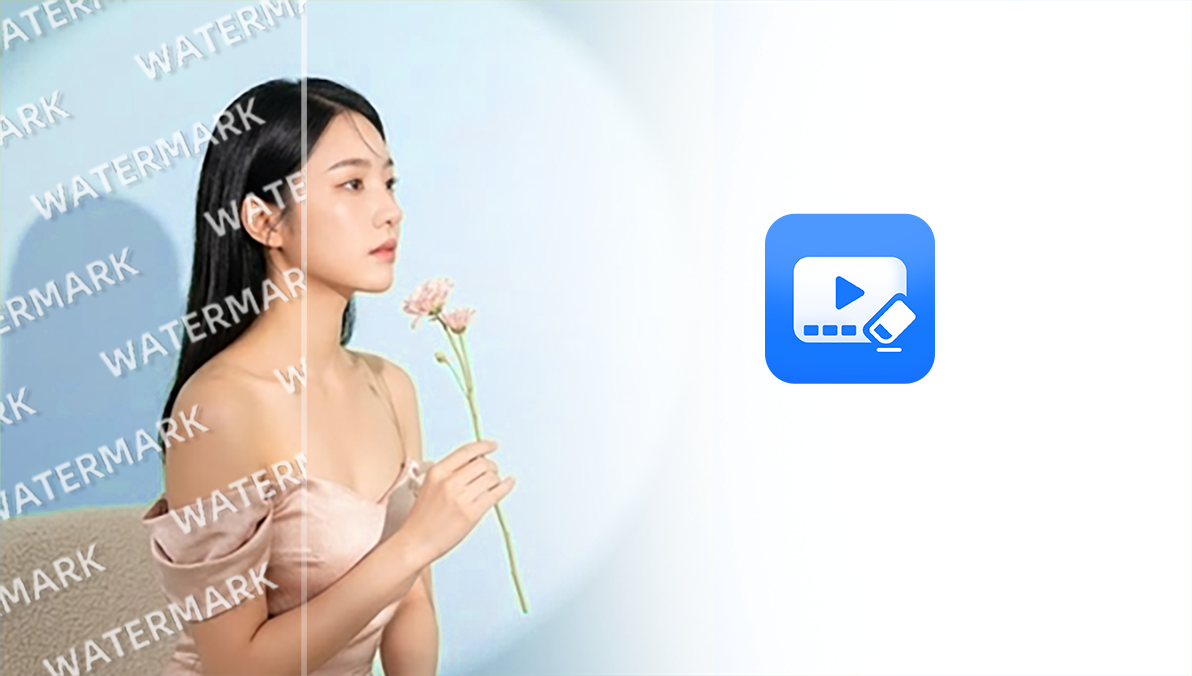

AI Video Watermark Remover
Select one or more areas to remove watermarks, logos, corner badges, date stamps, and moving watermarks from videos you own or are authorized to edit.
Remove watermarks, subtitles, captions, text overlays, logos, stickers, and unwanted objects from videos with AI. Select areas, protect key details, and quickly export cleaner HD videos.
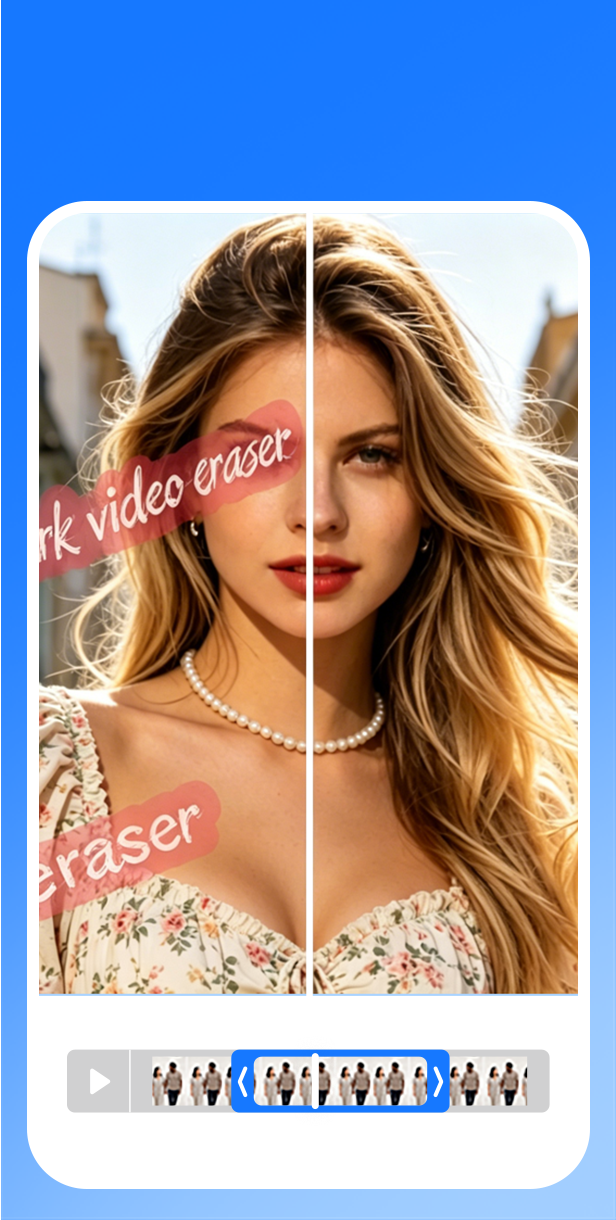
A mobile-first workflow for removing watermarks, subtitles, text, and objects with AI—plus video repair, HD enhancement, and fast export.
MarkClear helps creators clean up videos they own or are authorized to edit. Remove watermarks, subtitles, captions, text overlays, logos, stickers, and unwanted objects with AI while protecting faces, products, and other important areas.
Handle common video cleanup tasks with AI, including watermark, subtitle, text, and object removal, precise area selection, video repair, HD enhancement, and fast export.
Select one or more areas to remove watermarks, logos, corner badges, date stamps, and moving watermarks from videos you own or are authorized to edit.

Remove hardcoded subtitles, captions, on-screen text, timestamps, and text overlays while keeping the background looking natural.

Remove stickers, emojis, signs, clutter, people, and other unwanted objects, then let AI reconstruct the selected area.

Select multiple areas, set time ranges, and use protected areas to help prevent unwanted changes to faces, products, logos, or other key details.
Made for everyday AI video cleanup, including watermark, subtitle, and object removal.

“I can quickly remove distracting text from short videos without opening a complicated desktop editor.”

“The workflow is straightforward: select, remove, preview, and export.”
Quick answers to help you get started.
Remove watermarks, subtitles, text, and unwanted objects with AI—quickly and right on your phone.